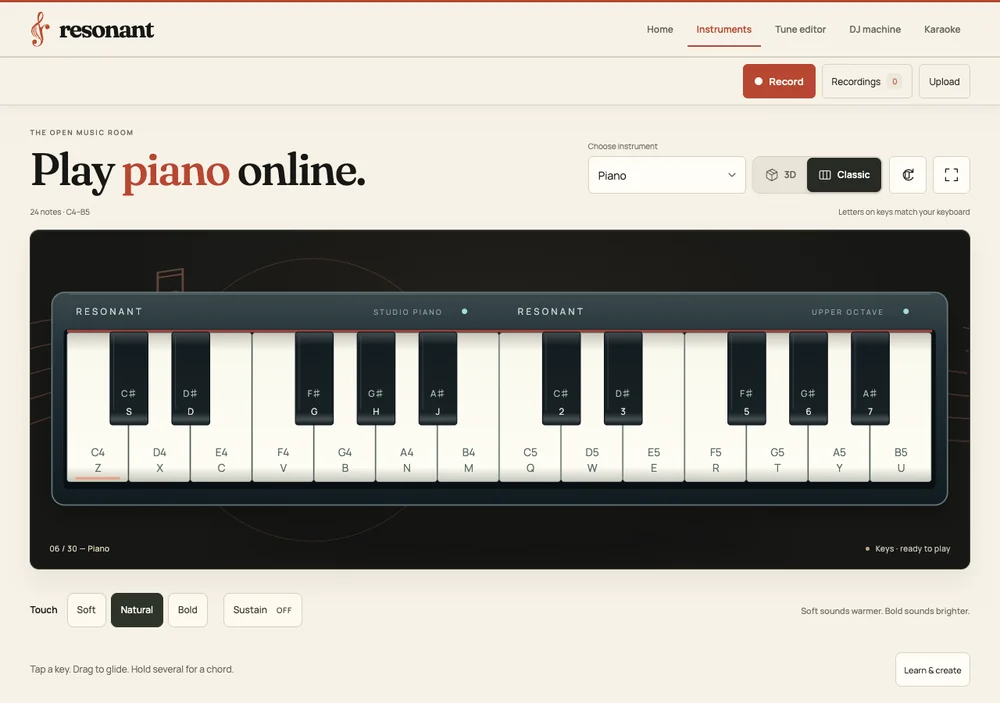
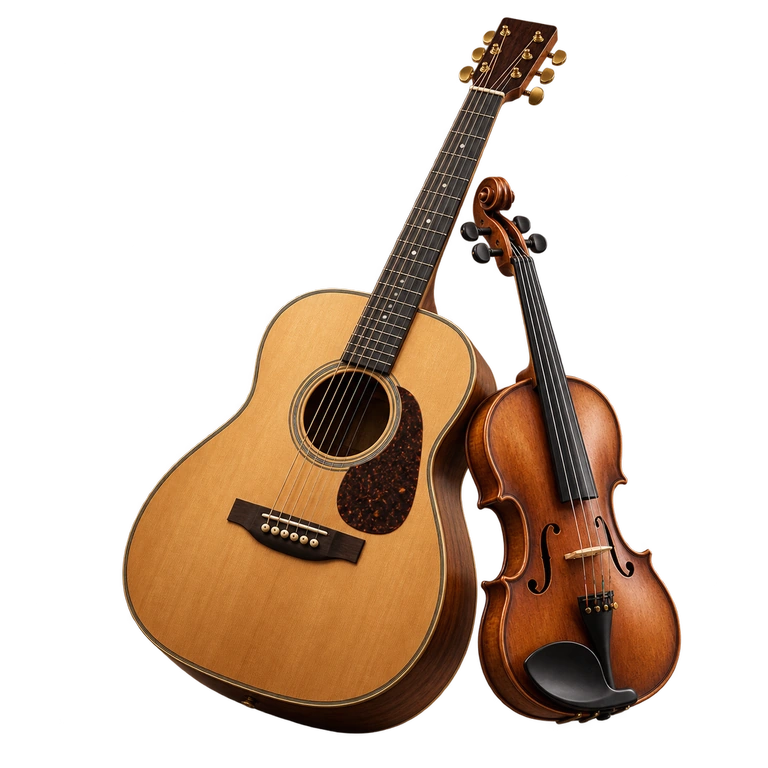
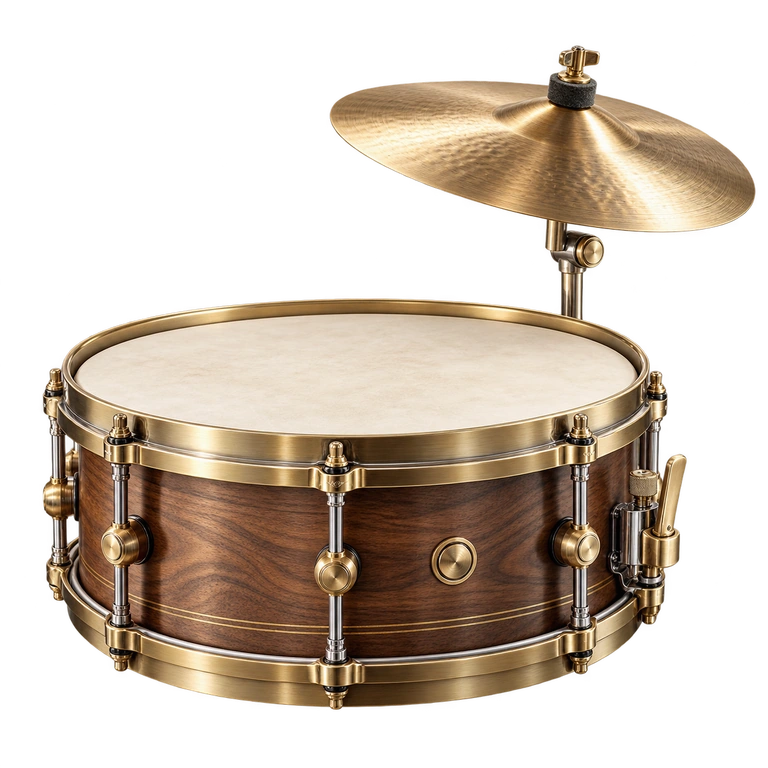
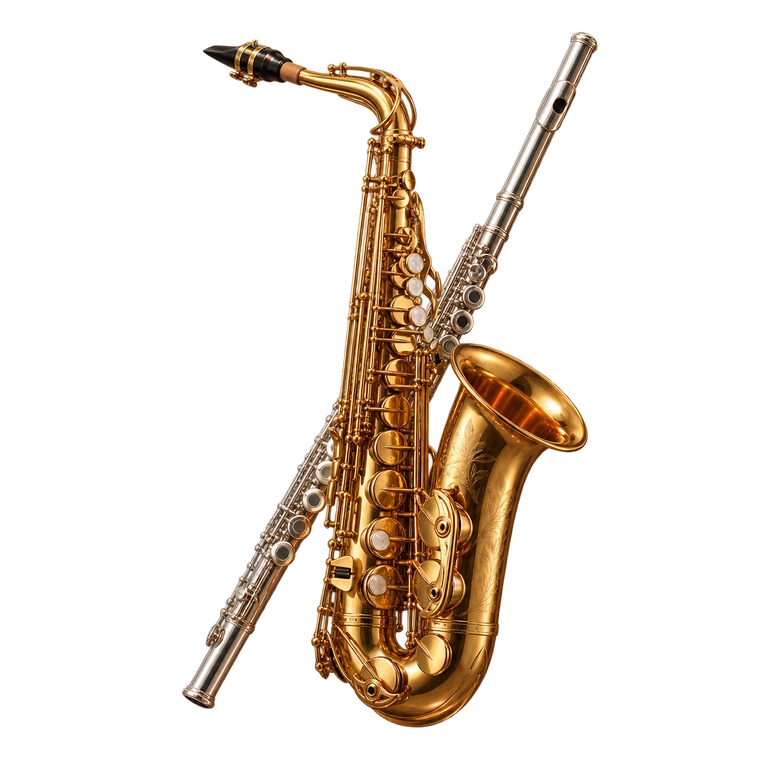
Actual app: the Classic piano with keyboard shortcuts and touch settings.Promotional artwork
THE OPEN MUSIC ROOM
Find your instrument. Follow your feeling.
Resonant is a free browser music studio by AppsOverFlow with 30 instruments across 6 sound families, Tune Editor, a two-deck DJ Machine and Karaoke. No account or installation is required; recordings and arrangements stay on your device.
Explore the mechanicsAn interactive illustrated guide
PLAY IT. KEEP IT. BUILD ON IT.
Hear an idea. Keep it going.
Play a note here, then follow the path from a first take to an arrangement in the full Resonant studio.
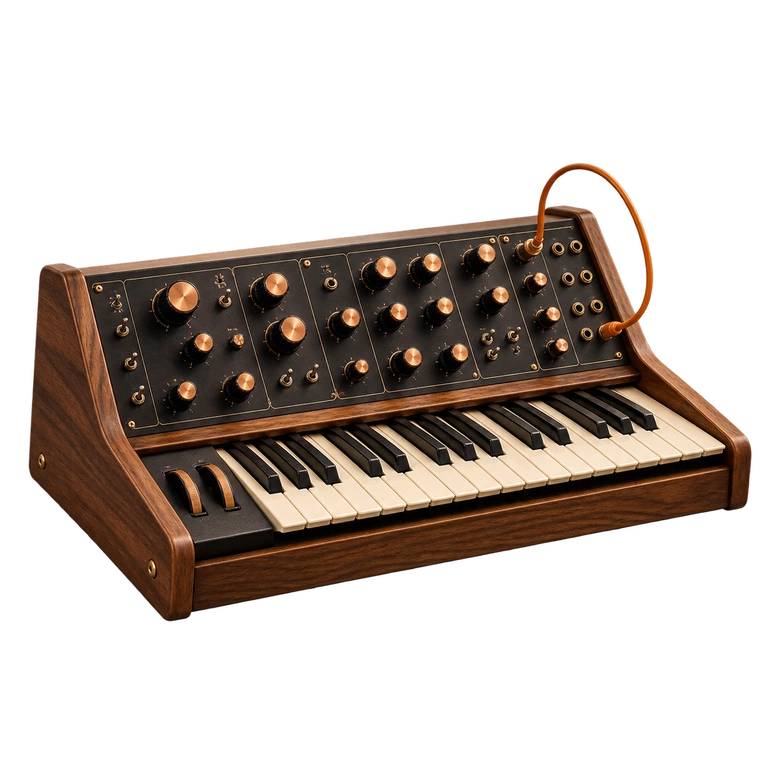
resonantSYNTH PREVIEW
YOUR NEXT TAKE STUDIO WORKFLOW
PLAYRECORDEXPORT WAV
5 minmaximum per take in the full studio
SPACE FOR YOUR IDEAS TUNE EDITOR
01
02
03
04
05
06
07
08
8 tracksLayer. Trim. Make it yours.
This eight-note C major demo uses a simple synth tone. Recording and arranging are illustrated here; open Resonant to use those tools and its instrument sounds.
01 / Play
Find the sound that fits.
Tap the keys here to try a simple synth phrase. Open Resonant to explore 30 instruments across six families. Choose a sound to reach its own playing page, with touch, mouse and keyboard controls.
Browse six families in the Instruments directory.
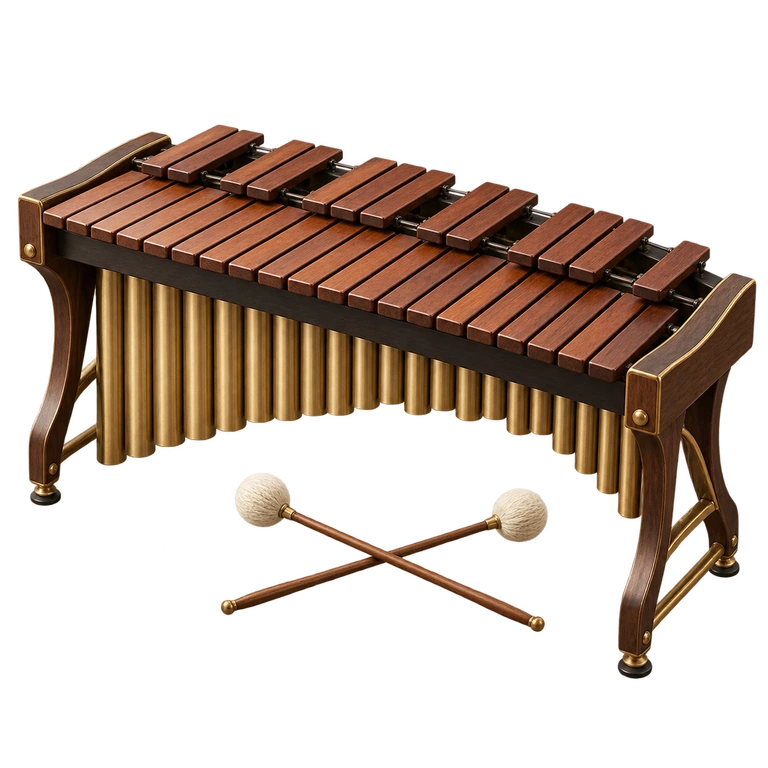
Explore strings, keys, winds, mallets, percussion and synth sounds.
Play several notes together in the full studio.
02 / Record
Save the take worth keeping.
When a melody clicks, record it in the full studio. Open Recordings to listen back and export a WAV copy you can keep. Each take can last up to five minutes.
The metronome click stays out of recordings.
The local recording library has a 150 MB limit.
Export important takes before clearing browser data.
03 / Arrange
Make the parts fit.
Bring recorded takes or imported audio into Tune editor. Zoom the timeline, layer, join, trim and split clips, then use volume, pan and fades to shape a mix of up to eight tracks and ten minutes.
How to play & controlsSetup, keyboard and touch controls, and tips
THE BIG PICTURE
What is Resonant?
Resonant is a free online music studio with 30 playable instruments in six families and three dedicated creative workspaces: Tune Editor for eight-track arrangements, a Resonant two-deck DJ console, and Karaoke for your own backing tracks and lyrics. Play with touch, a mouse or displayed keyboard shortcuts. No account is required; an internet connection is needed to load the studio and its resources.
30playable instruments
8editor tracks
5 minper recording
YOUR FIRST FEW MINUTES
How to start making music in Resonant
01
Find your instrument
Choose Explore instruments on the Resonant homepage. Browse Strings, Keys, Percussion, Winds, Mallets or Electronic, or search by instrument name. Open a playing page and tap a note or press its labelled keyboard key to start audio.
02
Practise, then record a take
Use a preset melody or open Learn & create for guided practice. Set a metronome tempo if you need one; its click is excluded from recordings. Press Record, play your part, then stop.
03
Arrange, mix or sing
Open Tune Editor to layer saved takes or imported audio and zoom the timeline for closer edits. Bring tracks to DJ Machine to blend two decks. Or choose Karaoke, load a local backing track or the original demo, and paste plain or timed LRC lyrics.
GET A FEEL FOR IT
Controls and setup.
Find your keys, adjust your setup, and get comfortable before you start.
Touch or mouse
Tap labelled notes; drag across supported strings or keys to play a sequence.
Keyboard
Press the note shortcuts displayed for the selected instrument. Several keys can play together.
Piano C major
Hold Z + C + B together for C4, E4 and G4.
Change instrument
Browse the Instruments directory or use the instrument selector on a playing page. Left and right arrow keys switch instruments while playing.
Stop instrument sound
Press Escape.
Capture audio
Press Record, then stop. Open Recordings to preview and export the take.
A SMALL HEAD START
Make the first session count.
Use touch if a chord misses a note
Some computer keyboards cannot register every simultaneous key combination. If a chord loses notes, try the labelled on-screen controls or press the piano keys with separate fingers.
Wait for the save, then keep a backup
Recordings and editable arrangements use storage on this device. Wait for the editor’s saved confirmation before closing it. Export important music before clearing site data or changing browsers.
Record the DJ performance to keep its effects
Enter or tap each track’s BPM on the Resonant DJ console, then align the beats manually. Tempo matching changes playback speed and pitch; it does not align the beats for you. Record the performance to keep EQ, echo and crossfader moves. Add decks to Tune Editor transfers the original audio instead.
ANSWERS, WITHOUT THE DETOUR
Frequently asked questions.
Which instruments can I play in Resonant?
Resonant has 30 playable instruments across 6 sound families: 8 strings, 5 keyboards, 5 percussion instruments, 7 winds, 4 mallet instruments and 1 synthesizer. The collection includes piano, guitar, drums, cello, accordion, tabla, harmonium and sitar.
Why is Resonant silent when I open it?
Resonant starts sound after you tap, click or press a note because browsers restrict automatic audio playback. Open an instrument’s playing page and interact with it, then check the speaker control and your device output. Keep an internet connection available to load instruments and resources.
How long can I record, and how do I export it?
Each take can last up to five minutes. Stop recording, open Recordings and export a WAV file or the browser’s original recording format. Takes are stored locally when storage is available; the library holds up to 150 MB.
Can I merge and edit my own audio files?
Yes, Resonant’s Tune Editor can layer, join, trim and split clips, with timeline zoom, volume, pan and fade controls. It supports up to eight tracks, 25 MB per imported file and a ten-minute mix. Editing happens locally in your browser. Some formats need an initial decoder download; protected or unsupported files may not open.
How does Karaoke work in Resonant?
Resonant Karaoke plays your own backing track or the original demo while displaying plain or timed LRC lyrics. You can sing along without a microphone; enable it only if you want to record your voice locally. Karaoke does not provide a streaming song catalogue or remove vocals from a track.
Does Resonant need an internet connection?
Yes, Resonant requires an internet connection to open the studio and load instruments, sounds and other resources. There is no offline mode. Saved recordings and arrangements remain on your device; download backups before clearing browser storage.
Is Resonant free to use without an account?
Yes, Resonant is a free browser music studio with no account or app installation required. It needs an internet connection to load its instruments and tools.
Can I make music in Resonant on my phone?
Yes, Resonant supports touch controls on phones and tablets, as well as mouse and keyboard on desktop. Tap or click a note to enable audio. Microphone recording requires permission when you choose to use it.
 Resonant